 YR Menu
QR menu in Uzbekistan
Print QR cards for every table
Design your table cards in the YR Menu panel, see them change as you type and download a print-ready PDF: as many cards as you have tables, for an office printer or a print shop. No designer and no design app.
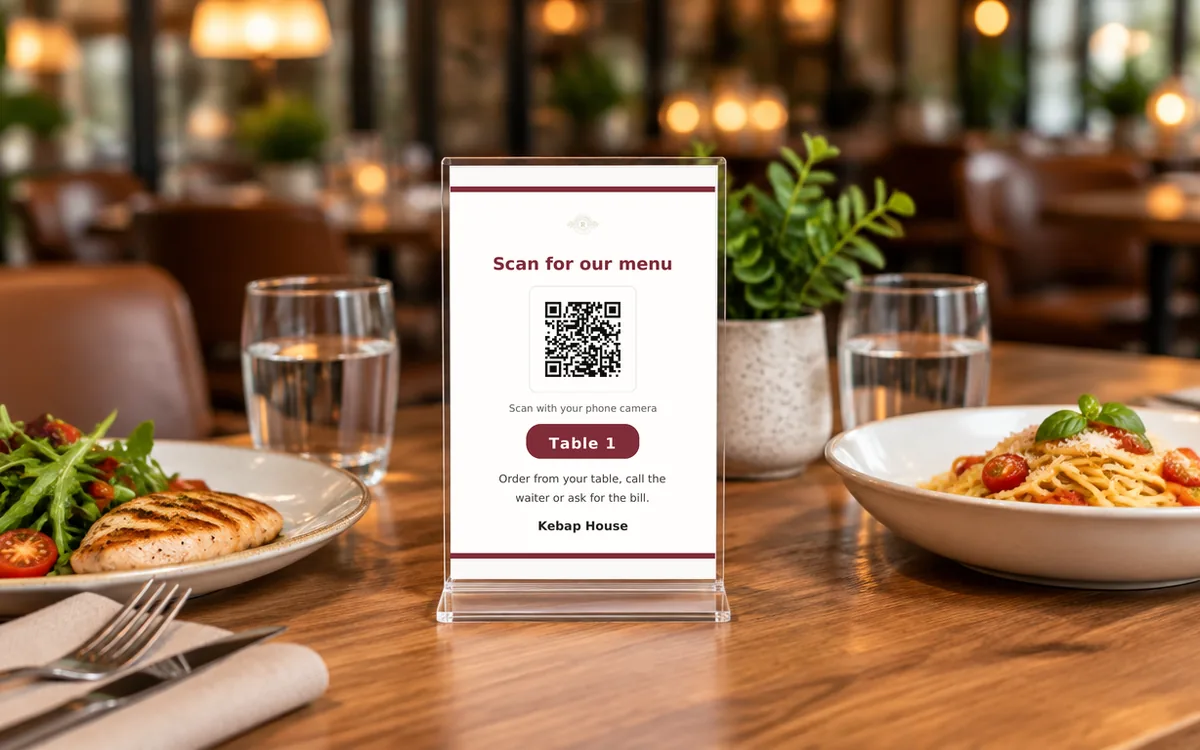
What you can set
- The title, a short text and the line under the code, in your own words.
- Your colour, one of five typefaces and the text size.
- Your logo on the card and in the middle of the QR code (logo upload starts on the Starter plan).
- The size: A7, A6, A5, A4 or your own size from 50 to 300 mm.
One QR per table
Number the cards, for example Table 1 to 42 or Terrace 1 to 16, and each table gets its own code, so every order shows which table it came from. Print a table again later and it keeps its code.
One QR per table starts on the Pro plan. The same QR on every card is on every plan, Free included.
How to print them
- In the panel, open QR Codes and press Print QR cards.
- Choose Same QR on every card or One QR per table, then set the size, texts, colour and logo.
- Press Download PDF. Print several cards on A4 sheets with space to cut them apart, or one card per page for a print shop. One PDF holds up to 200 cards.
Questions and answers
Do I have to reprint the cards when the menu changes?
No. The code opens your live menu, so new dishes and prices show up at once. Print again only for a new design.
Is it free?
Yes. Cards with your menu QR are on every plan, Free included. One QR per table comes with Pro, and a logo on the cards from Starter.
If I print a table again, does its old card still work?
Yes. A table keeps its code when you print it again with the same word before the number, the same language and the same branch.
Start with a free menu
Create a free account, or write to us on Telegram and send your menu.